 IUX
IUX
 Exness
 Vantage
 XM
XM
 ICMarkets
 LiteFinance
 Moneta
 Tickmill
 South Africa (9)
 India (9)
 Bangladesh (12)
 Germany (9)
 Thailand (10)
 Philippines (9)
 Nigeria (10)
 Vietnam (10)
 Malaysia (9)




See which forex apps in 2026 offer quick trades, low spreads, and smart tools for all skill levels.




Your phone can be a serious trading tool, but only if the app behind it actually delivers. A few seconds of lag, a clunky chart, or a missed alert can turn a solid setup into a missed trade. At TopAsiaFX, we tested the most-used forex trading apps across real market conditions, not just demo environments, to find out which ones hold up when things move fast.
If you trade on mobile, the app you use matters as much as your strategy. This page covers the top-rated platforms for 2026, what each one actually does well, how fees work, and what to look for before you download anything. We also included quick links to help you find brokers by region, compare trading platforms, or check out low spread options depending on what fits your style.
We ran each app on Android and iOS, on Wi-Fi and mobile data, during both quiet sessions and high-volatility windows. The goal was to see how each platform performs when you actually need it, not just when markets are calm.
Expert Tip: Before committing to any app, test it on a demo account during a news release. That's when execution quality separates the good from the unreliable.
| Broker | App | Spreads | Min. Deposit | Leverage |
|---|---|---|---|---|
| Exness | Exness Go | 0.0–0.3 pips | $50 | 1:Unlimited |
| XM | XM App | 0.8–1.6 pips | $5 | 1000:1 |
| LiteFinance | LiteFinance Mobile | 0.0–3.0 pips | $10 | 1:1000 |
| AvaTrade | AvaTradeGO | 0.0 pips | $100 | 1:1400 |
| RoboForex | MobileTrader | 0.0–1.3 pips | $10 | 1:2000 |
| IC Markets | IC Markets Global | 0.0 pips | $0 | 1:1000 |
Exness has built a strong reputation among mobile traders, mainly because of how fast and clean the execution is. The Exness Go app is available on both Android and iOS and covers forex, metals, indices, stocks, and crypto CFDs without feeling overloaded.
Spreads start from 0.0 pips, deposits and withdrawals process instantly in most cases, and the broker is regulated by CySEC and FCA. Funds are held in segregated accounts and operations are independently audited. Some users have reported occasional service hiccups during peak hours, but the overall track record is solid.
Strengths: Very low trading costs, multiple local payment options, 0% stop-out level, strong support, no minimum stop-out restriction.
Worth Noting: High leverage is available but carries proportional risk. Use position sizing tools to manage exposure.
Expert Tip: Exness offers unlimited leverage on some accounts. That sounds appealing, but always size positions conservatively. More leverage does not mean more control.
Exness is also rated among the best fast execution brokers on TopAsiaFX, and it consistently ranks well for traders in Bangladesh and across Asian markets.
XM is one of the most trusted names for traders just getting started. The minimum deposit is only $5, spreads go as low as 0.0 pips on premium accounts, and the educational content is genuinely useful rather than just decorative. The XM app runs smoothly on both Android and iOS.
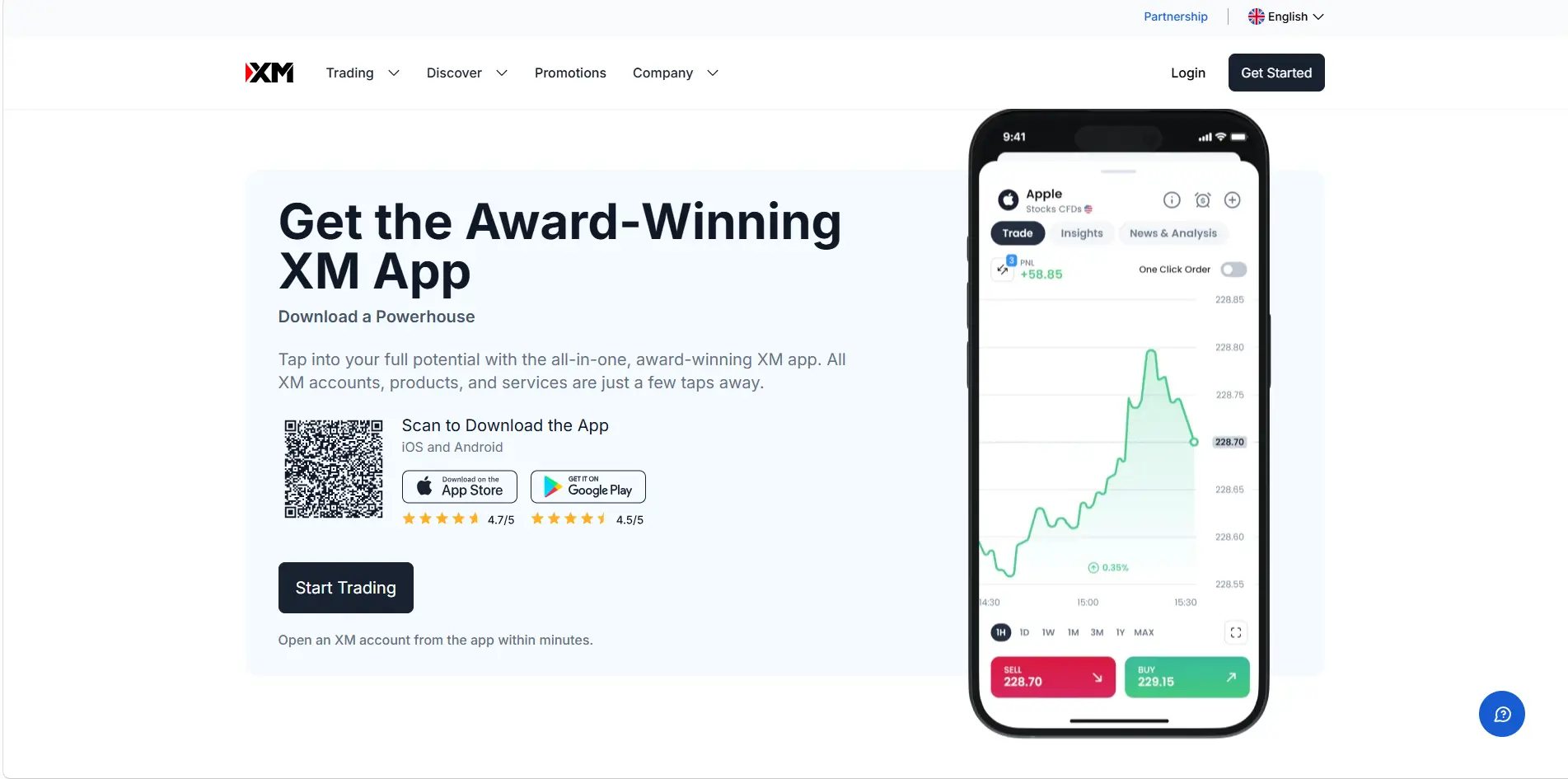
What makes XM stand out for beginners is the combination of low entry costs, a clean interface, and real broker oversight. It's regulated by ASIC, CySEC, and DFSA, and the demo account experience closely mirrors live trading, which matters when you're building habits.
Strengths: Very low minimum deposit, strong educational tools, regulated by top authorities, tight spreads on standard accounts.
Worth Noting: Not available to US-based traders.
XM is featured in our list of best brokers for beginners and is a popular pick for traders in India, Malaysia, and the Philippines.
LiteFinance works well for traders who want copy trading alongside standard forex access. The mobile app connects to MetaTrader 4, MetaTrader 5, and WebTrader, and the interface is clean enough that placing trades or adjusting positions doesn't require any learning curve.
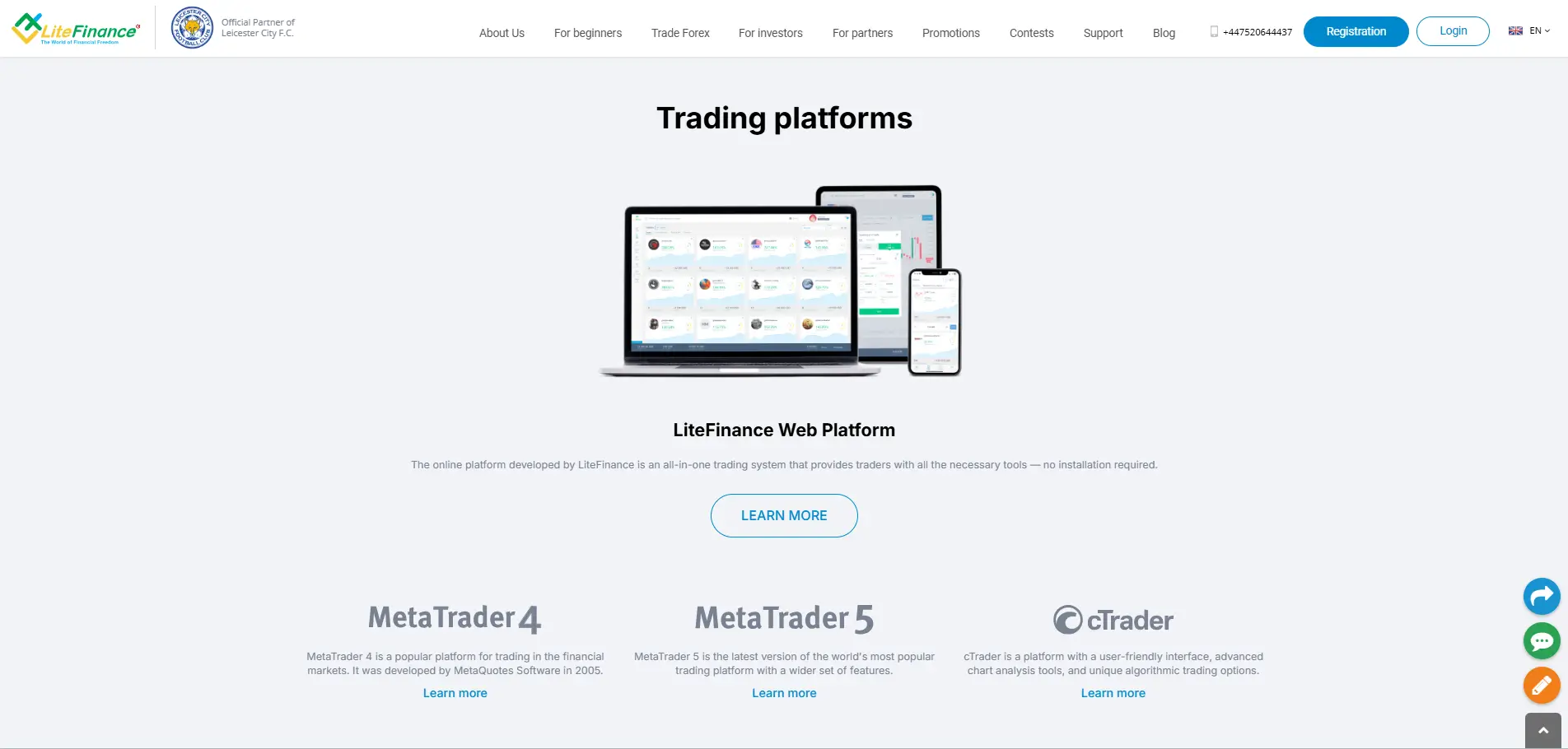
Regulated by SVG and CySEC, the broker offers Standard, ECN, and Zero ECN account types. Spreads start from 0.0 pips and leverage reaches 1:1000. Commissions are low at $0.25 per lot on ECN accounts, though some account types carry wider spreads.
Strengths: Copy trading built in, multiple account types, regular promotions, fast automated withdrawals, broad range of instruments.
Worth Noting: Some accounts have wider spreads than competitors at the same cost level.
LiteFinance is worth comparing on our social trading brokers page if copy trading is a priority for you.
AvaTrade's mobile platform, AvaTradeGO, is one of the most polished trading apps available. The layout feels deliberate, charts load quickly, and the watchlist customization is clean. It connects to MetaTrader 4, MetaTrader 5, DupliTrade, and AvaSocial, so switching between platforms stays seamless.
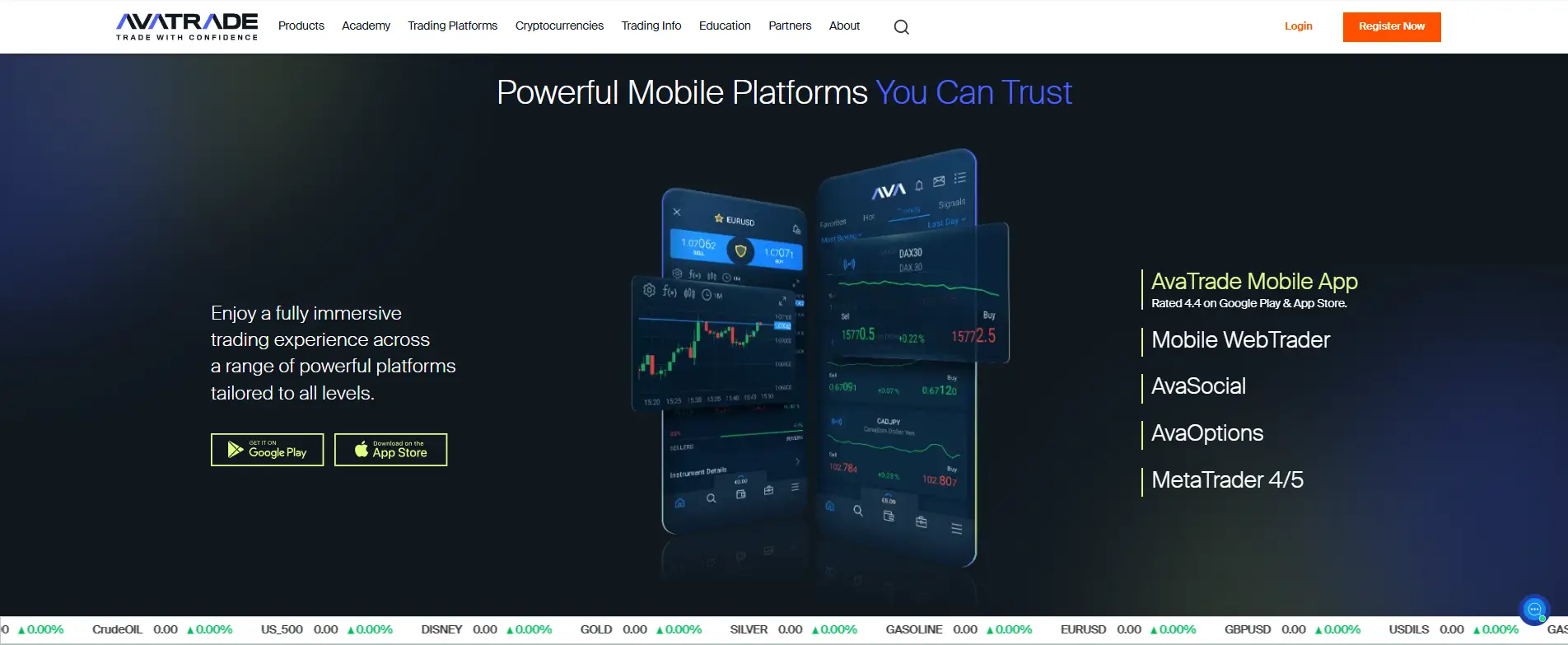
The inclusion of AvaProtect™ is a notable differentiator. This risk tool lets traders limit downside on a position for a fixed fee, which is useful during high-volatility windows. AvaTrade is regulated by ASIC, FSCA, and CySEC, and the broker supports Retail, Professional, and Islamic account types.
Strengths: Strong regulatory oversight, fast execution, extensive educational resources, AvaProtect™ risk management, clean mobile experience.
Worth Noting: The desktop version can feel slower than the mobile experience for some users.
AvaTrade also offers Islamic accounts and is a popular choice for traders across the Middle East.
RoboForex supports MT4, MT5, and R StocksTrader, giving traders more platform flexibility than most competitors at this price point. The MobileTrader app feels stable and responsive, with real-time data that holds up well even on slower mobile connections.
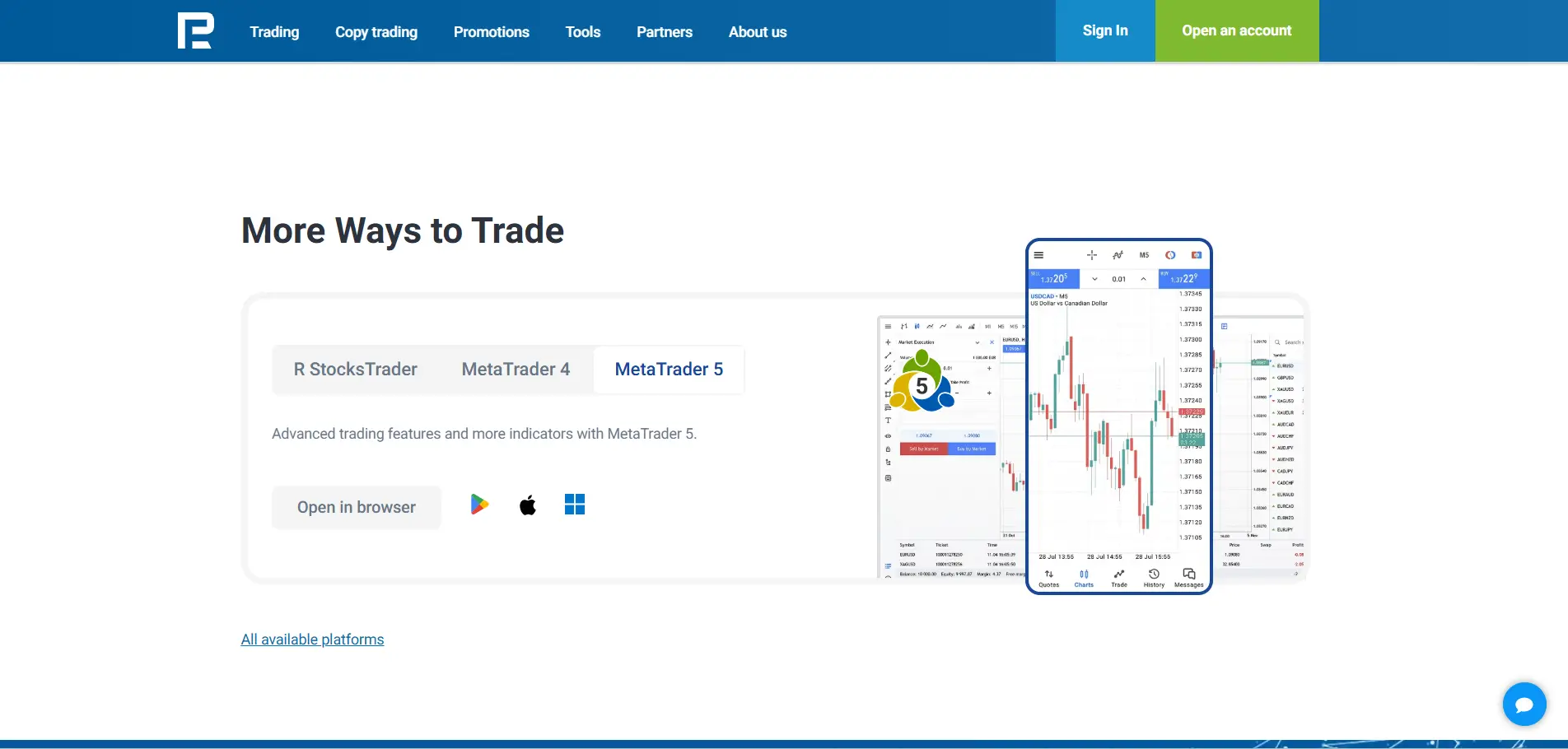
Demo accounts are easy to access for practice, and the cashback reward program adds genuine value for active traders. Regulated by FSC, the broker covers a wide range of assets and keeps slippage low. Non-trading fees (like inactivity charges) run slightly higher than average, so check the schedule before funding.
Strengths: High leverage up to 1:2000, diverse platform support, cashback program, solid education content, low slippage.
Worth Noting: Higher non-trading fees compared to some brokers. Check inactivity policy if you trade occasionally.
RoboForex appears in our best high-leverage brokers rankings and supports MT4 and MT5 trading.
IC Markets is one of the most consistently recommended brokers for active and professional traders. The MT4, MT5, and cTrader apps deliver institutional-level execution speeds, with spreads that start from 0.0 pips on Raw accounts and commissions between $0 and $3 per lot.
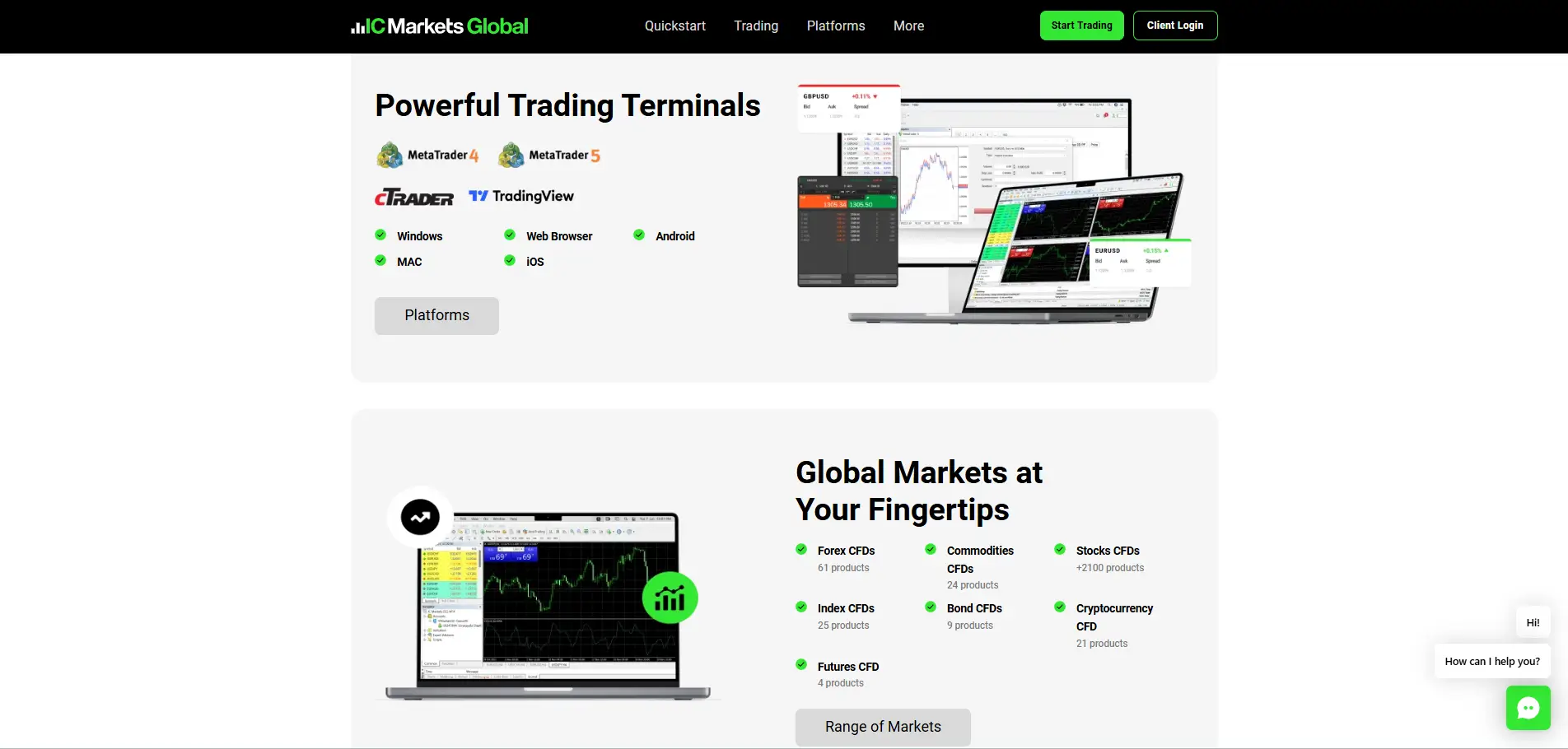
Charts load fast, the layout stays clean across devices, and switching between phone and tablet is smooth. The minimum deposit is $200, which is higher than most competitors, but the quality of execution justifies it for traders who prioritize raw performance. Regulated by FSA.
Strengths: Deep liquidity, fast order execution, broad instrument range, consistent performance across platforms, 24/7 support.
Worth Noting: Higher minimum deposit than most beginner-oriented brokers.
IC Markets is frequently listed among the best ECN brokers and best scalping brokers. It's also a top pick for traders in Singapore and Japan.
Yes, and not always in ways that are immediately obvious. Installing or opening an account is almost always free. The real costs show up in spreads, commissions, and overnight swap fees, and how those are structured varies significantly by broker and account type.
The most common pattern: brokers offering wider spreads tend to charge little or no commission, while brokers with raw or near-zero spreads charge a fixed commission per trade. Neither is inherently better. The real question is your total cost per trade, which is spread plus commission combined.
Beyond trading costs, there are quieter fees worth knowing about:
Expert Tip: Always calculate spread plus commission together as a single cost per trade. Then check the withdrawal policy and inactivity terms before depositing anything.
For a side-by-side cost comparison, the broker comparison tool on TopAsiaFX makes it easier to see real trading costs across platforms.
| Broker | Min. Commission | Max. Commission |
|---|---|---|
| XM | $0 | $3 |
| Exness | $0 | $3.50 |
| LiteFinance | $0 | $0.25 |
| AvaTrade | $0 | $0 |
| RoboForex | $0 | $3 |
| IC Markets | $0 | $3 |
Starting forex on a phone adds an extra layer of complexity. Charts and order tickets that feel fine on a desktop can get overwhelming on a 6-inch screen. The apps that work best for beginners are the ones that get out of your way and let you focus on the market.
What actually matters at the start: a clean order interface, clear account balance display, simple chart controls, and an accessible demo account. Risk tools like stop-loss presets and position size calculators also help build better habits early.
XM leads here with a $5 minimum deposit, clean mobile layout, and the strongest beginner education of any app tested. Exness is a close second, especially for traders who want micro account access with flexible deposits. LiteFinance and AvaTrade also work well for new traders who want copy trading or risk management tools built into the platform.
| Broker | Minimum Deposit |
|---|---|
| XM | $5 |
| Exness | $50 |
| LiteFinance | $10 |
| AvaTrade | $100 |
| RoboForex | $10 |
| IC Markets | $0 |
All six brokers reviewed here offer apps on both platforms, but the experience can differ between Android and iOS. Android users generally get more flexibility with notifications and layout customization. iOS apps tend to deliver a more polished feel with cleaner typography and Face ID or Touch ID login.
For Android, Exness Go and IC Markets' cTrader app stand out for speed and chart stability. On iOS, AvaTradeGO and the XM app feel most refined in terms of design and ease of navigation. All apps were tested on both platforms during this review.
Check our trading apps brokers page for a full breakdown of mobile-specific features across more brokers.
| Broker | Available Apps |
|---|---|
| XM | XM App, MT4, MT5 (Android & iOS) |
| Exness | Exness Trader App, MT4, MT5 (Android & iOS) |
| LiteFinance | LiteFinance App, MT4, MT5 (Android & iOS) |
| AvaTrade | AvaTradeGO, MT4, MT5, AvaOptions (Android & iOS) |
| RoboForex | R MobileTrader, MT4, MT5, cTrader (Android & iOS) |
| IC Markets | MT4, MT5, cTrader (Android & iOS) |
Copy trading lets you mirror another trader's positions automatically. It sounds simple, and in some ways it is, but the risk doesn't disappear. If the trader you're copying hits a losing streak, your account follows. Oversight and clear exit rules still matter.
LiteFinance and AvaTrade both offer well-designed copy trading setups within their apps. LiteFinance's social trading feed is easy to navigate, and AvaSocial inside AvaTradeGO shows past performance data in a format that's actually usable. RoboForex also supports copy trading via its R StocksTrader platform.
For a broader look at options, social trading brokers on TopAsiaFX lists platforms with verified performance records and transparent fee structures.
Regulation is not optional. If a broker is not properly licensed, your deposited funds have no guaranteed protection. Here's a straightforward way to verify before committing.
Open the app or the broker's website and look for the legal section. A regulated broker names the authority directly, such as FCA (UK), ASIC (Australia), CySEC (Europe), or CFTC/NFA (US). Vague phrases like 'internationally compliant' are a warning sign.
Visit the official regulator's website and search for the broker's legal company name, not just the brand name. Confirm the license number matches and that the status shows active.
Strong regulators like FCA and ASIC enforce strict standards and handle complaints. Offshore licenses often offer minimal protection. If something goes wrong, an offshore license may leave you with no legal recourse.
Regulated brokers explain their segregation policy. 'Segregated accounts' means your funds are kept separate from the broker's operating capital. If this isn't clearly stated, treat it as a red flag.
Review withdrawal terms, fee schedules, and how support responds to questions. Regulated brokers document this clearly. Confusing or inconsistent policies often signal deeper problems.
Expert Tip: Run a quick search on the regulator's license database before depositing. It takes two minutes and can save you from a situation that's very hard to recover from.
If you're looking at brokers with verified credentials, check our awards section for platforms that have been independently vetted. You can also review our scam brokers list to know which platforms to avoid.
A trading app can look great and still lose you money if it doesn't give you proper risk controls. These are the tools that actually matter:
Expert Tip: Set your stop loss before you set your take profit. Protecting capital comes first. The best trade is the one where you live to trade again tomorrow.
Getting started is fast, but doing it correctly takes a bit of structure. Here's a clear sequence to follow:
If you're new to the market, the trading tools section on TopAsiaFX includes calculators and resources that help with position sizing and trade planning.
The app you trade on shapes how you trade. Slow execution, confusing layouts, and missing risk tools don't just cause frustration. They affect your results directly.
Exness and IC Markets lead on speed and execution quality. XM is the strongest starting point for traders building their first real account. AvaTrade's AvaTradeGO is the most complete mobile experience if you want risk tools and social trading in one place. LiteFinance and RoboForex hold up well for traders who want more flexibility in account types and platform support.
Whichever platform you go with, verify the regulation, test the demo, and understand the fee structure before funding. The full broker review list on TopAsiaFX has detailed breakdowns for each broker if you want to dig deeper before deciding.
Exness and IC Markets consistently rank highest for execution speed. Both offer millisecond order processing with minimal slippage on standard market conditions. IC Markets uses cTrader and MT4/MT5 with deep liquidity, while Exness Go leverages global server infrastructure for near-instant fills.
Yes. AvaTradeGO is one of the most refined mobile trading apps available. It includes live charts, watchlists, built-in risk tools like AvaProtect, and integration with AvaSocial for copy trading. The interface is clean and works consistently across both Android and iOS.
It depends on what you prioritize. For raw execution, IC Markets. For low entry costs and learning support, XM. For mobile-first trading with wide instrument access, Exness. Compare them directly on the broker comparison page.
Exness is a strong option for Bangladeshi traders, with BDT deposit support, micro accounts from $10, and automatic Islamic account settings. XM also works well with a $5 minimum deposit and thorough education resources. See the full list of top brokers in Bangladesh for a complete comparison.
AvaTrade charges no commission and instead prices through the spread. XM, Exness, LiteFinance, and IC Markets all offer zero-commission account types as well, though these usually come with slightly wider spreads. See the free withdrawal brokers list for more cost-transparent options.
Yes. All brokers reviewed here offer desktop platforms, typically through MetaTrader 4 or MetaTrader 5. Exness supports up to 500 lots on desktop, and IC Markets allows up to 200 lots. Desktop trading gives you more screen space and is often better for detailed technical analysis.